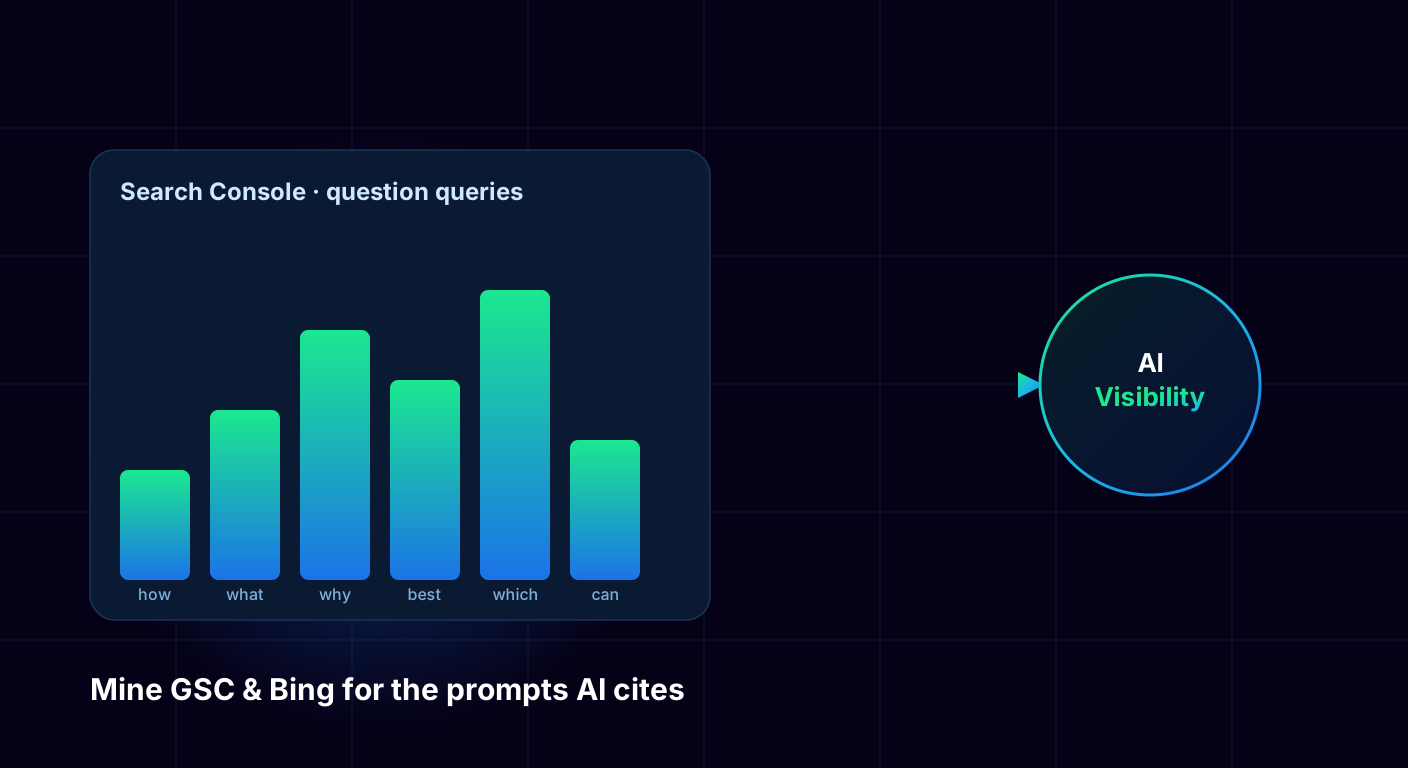
How Can Search Console and Bing Reveal AI Prompts?
TL;DR
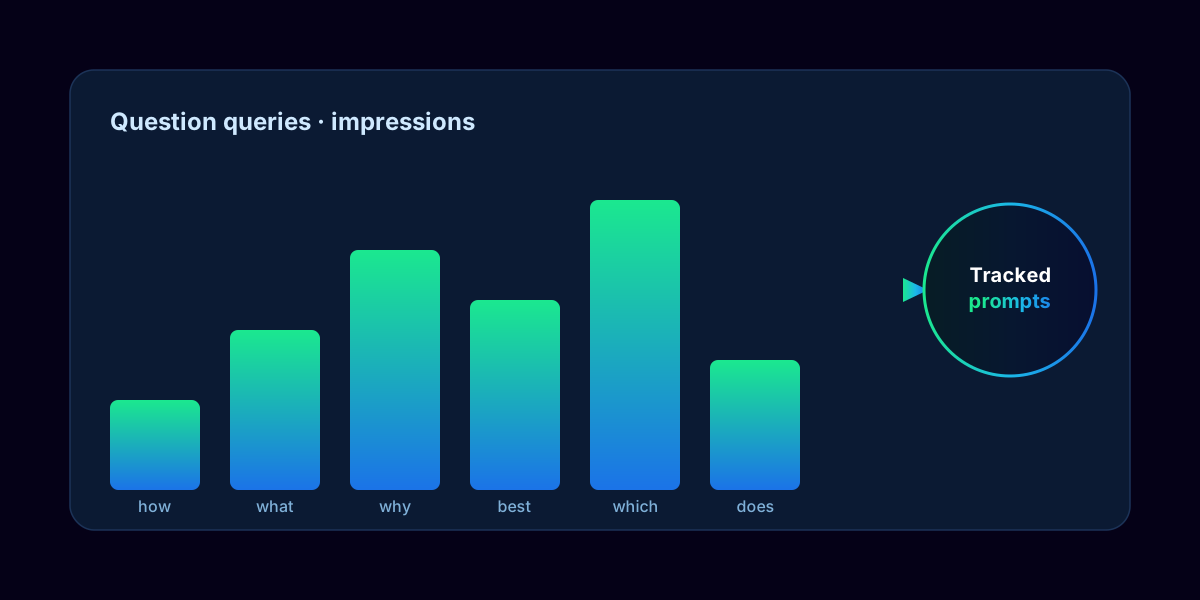
Google Search Console and Bing Webmaster Tools already contain the AI prompts you should optimise for — filter the query reports for question words to surface them. Because there is no official analytics for AI citations, these question-style queries are the closest free proxy for what people ask ChatGPT and Gemini.
The mirror between search and AI is what makes this work. The question-style queries people type into Google closely match what they ask AI assistants, so your Search Console report is a real window into AI demand — and with 44.2% of AI citations coming from the top 30% of a page (ALM Corp, Feb 2026), the same reports also tell you which pages to restructure first.
Key Takeaways
- Filter GSC queries for question words (how, what, why, best, which) to surface AI-prompt candidates in your audience's real language.
- High-impression, low-CTR question queries are prime targets to restructure with answer blocks.
- Bing Webmaster Tools better reflects Copilot and Edge queries — use it to diversify.
- Rising impressions on question queries is your best available proxy for growing AI attention.
- Turn every strong query into a tracked prompt and an answer-first page.
This guide is the tactical layer beneath our prompt discovery framework: Search Console is where prompt discovery starts. Here is exactly how to mine both tools and convert what you find into AI visibility.
How Do You Mine Google Search Console for AI Prompts?
You mine Google Search Console for AI prompts by filtering the Performance query report for question words — how, what, why, can, is, does, best — then acting on the highest-signal rows. These intent-rich phrases are the closest match to conversational AI prompts and reveal the exact language your audience uses.
Filter for question queries
Isolate how, what, why, best, and which to surface prompt candidates in your audience's own words.
Hunt high-impression, low-CTR queries
Many impressions but few clicks means Google shows you but users skip you — often because an AI Overview or a better-structured competitor answered first. These are your top rewrite targets.
Read the Pages report for citation range
Since 44.2% of AI citations come from the top 30% of a page (ALM Corp, 2026), check whether your best pages answer their core question above the fold.
Use URL Inspection for accessibility
Confirm key pages are indexed and render server-side, since AI crawlers behave like search crawlers. A page Google struggles to render is one ChatGPT cannot cite.
How Do You Use Bing Webmaster Tools for Copilot and Edge?
| Aspect | Google Search Console | Bing Webmaster Tools |
|---|---|---|
| Data volume | High — most search demand | Lower — Microsoft market share |
| Best AI proxy for | ChatGPT & Google AI Overviews | Microsoft Copilot & Edge |
| Query report | Filterable by question words | Search-keywords report |
| Unique value | Breadth of real audience demand | Queries you will never see in Google |
| Weight it for | Primary prompt discovery | Diversifying and Copilot coverage |
You use Bing Webmaster Tools to capture the Microsoft Copilot and Edge demand that Google data misses. Bing carries lower volume, but it is the better proxy for Copilot — a surface that drives a meaningful share of AI queries in enterprise and Microsoft-heavy verticals — so ignoring it leaves a whole ecosystem of prompts undiscovered.
Work the search-keywords report the same way you work GSC: filter for question phrasing and look for queries that appear in Bing but never in Google. Those unique queries are pure additive opportunity. The table below shows where each tool wins so you know which to weight for which job.
How Do You Turn SEO Data Into AI Visibility?
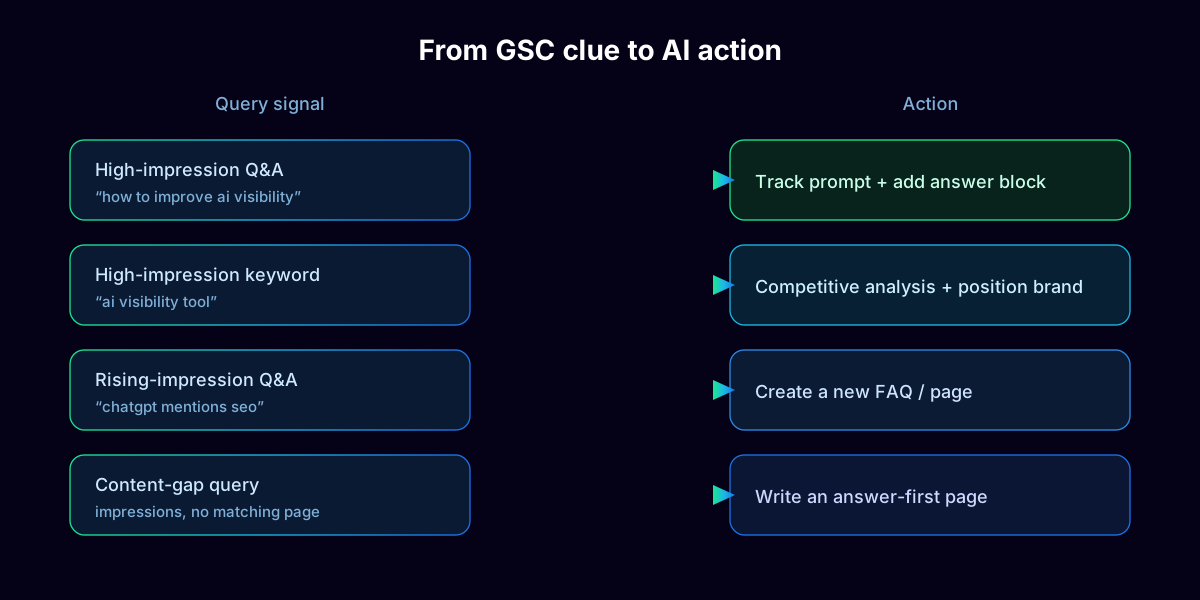
| Query signal | GSC clue | Action |
|---|---|---|
| High-impression Q&A | “how to improve ai visibility” | Track as a prompt; add a 50–70 word answer block |
| High-impression keyword | “ai visibility tool” | Competitive analysis; position your brand clearly |
| Rising-impression Q&A | “chatgpt mentions seo” | Create a new page or FAQ answering it directly |
| Content-gap query | Impressions but no matching page | Write an answer-first page with cited data |
You turn SEO data into AI visibility by converting each strong query into a tracked prompt and an answer-first page. The action depends on the query type: high-intent question queries become tracked prompts, content-gap queries become new pages, and high-impression low-CTR pages get answer-block rewrites. The matrix below maps each clue to its move.
Score queries first with the method in our prompt discovery guide, then execute. Because there is no ChatGPT dashboard, pair rising impressions on target queries with direct AI sampling — see how to track your brand across AI search.
What Does the Weekly GSC-to-AI Workflow Look Like?
The weekly GSC-to-AI workflow is a four-step routine that keeps your prompt list fed with real demand: export and compare queries, tag new versus tracked, scan Bing, and flag one page to improve. Run it in under an hour and the compounding effect keeps your best pages structured for citation.
Export and compare
Pull the latest question queries from Search Console and compare week over week to spot rising demand early.
Tag new versus tracked
Mark which queries already map to prompts you track and which are new candidates to score.
Scan Bing
Run the same question filter in Bing Webmaster Tools and add any unique queries.
Flag pages to improve
Queue the page with rising impressions on AI-relevant terms for an answer-block rewrite, and run it against the eight mistakes that keep content out of AI answers before you publish. To automate the discovery-to-tracking pipeline, see how Yozigo connects the two.